
Installation
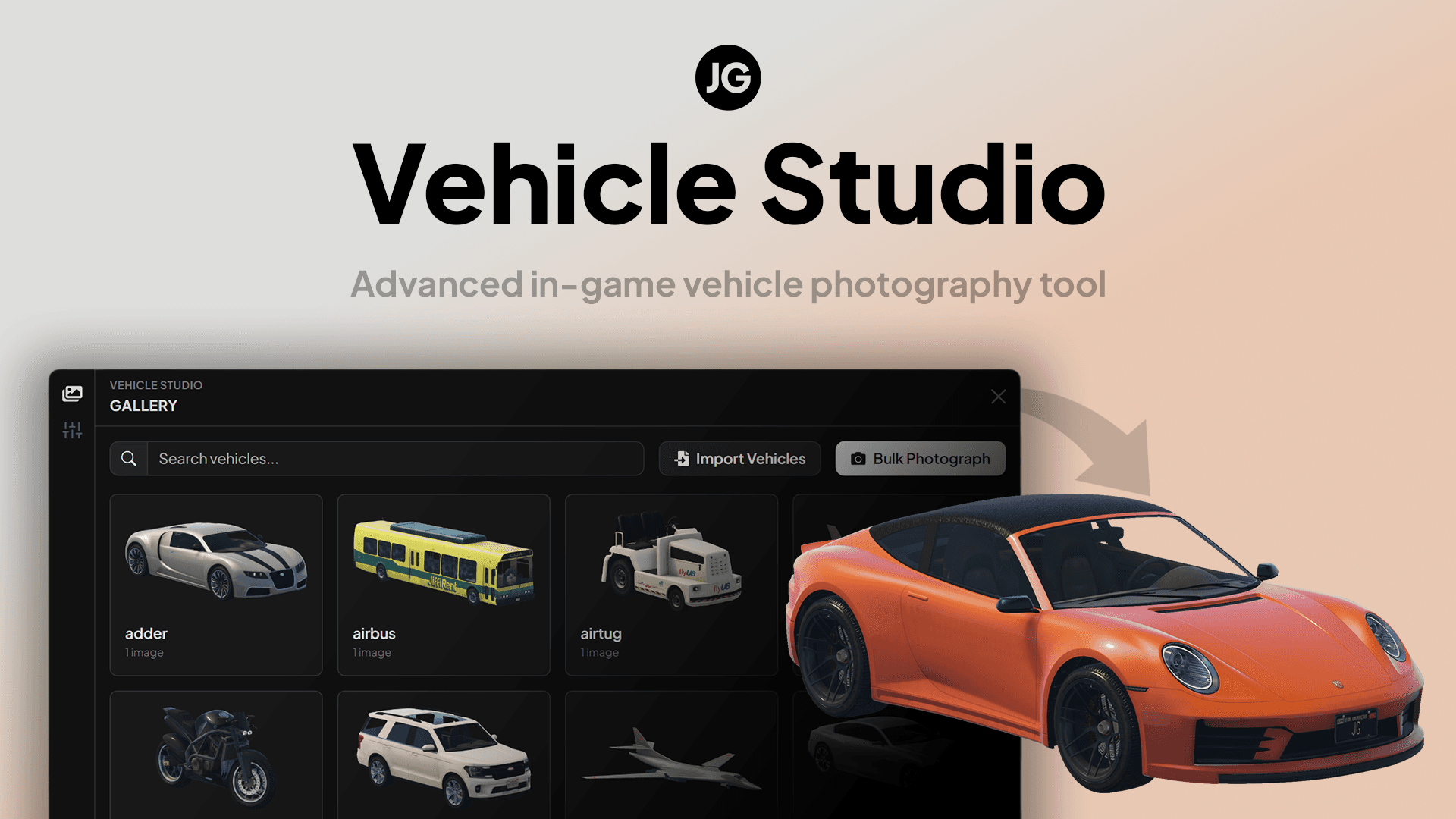 JG Vehicle StudioPurchase on the JG store
Installation
- Unzip the
jg-vehiclestudio-bundle. - Drag the script folder (
jg-vehiclestudio) into a new folder called[jg]within your server'sresourcesfolder. - Make sure you have the latest version of ox_lib installed.
- Optional: If you plan to use a database for data storage, see Data Storage and make sure oxmysql is installed on your server.
- Inside your
server.cfg, add a new line after your framework, dependencies, and other required resources have started:
ensure [jg]Configuration
Vehicle Studio's configuration files live in the config folder.
The main file is:
config/config.luaPrivate upload credentials live in:
config/config.upload.luaDo not put real upload API keys in public GitHub repositories, support tickets, or screenshots.
Pick Image Upload Storage
Before using Vehicle Studio on a live server, choose where generated images should be stored.
For live servers, we strongly recommend a remote upload provider:
Config.ImageStorageProvider = "qbox"
Config.ImageStorageProvider = "fivemanage"
Config.ImageStorageProvider = "r2"
Config.ImageStorageProvider = "s3"
Local storage is mainly for localhost testing:
Config.ImageStorageProvider = "local"Local storage does not work out of the box on most live servers because the in-game browser blocks uploads to plain HTTP public IPs. Only use local storage on a live server if you have set up your own HTTPS reverse proxy.
Read the image upload guide before taking lots of photos:
Data Storage
Vehicle Studio can store its data in local files or in a database.
If you want to change where data is stored, follow the Data Storage Docs.
Quick Start
Follow the quick start guide to get up and running with JG Vehicle Studio:
Quick Start/vehicle-studio/quick-startLast updated 21 July 2026